
Remove a folder without deleting its contents

I'd like to get rid of a folder without deleting the items in the folder. Is there any way to do that?
0
-

The best way to do this is in the app by opening the details page for the folder and then removing the contents before deleting the folder.
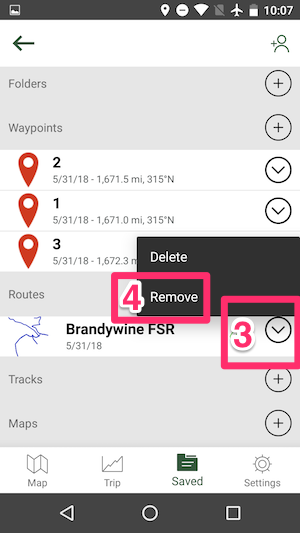
Here are the steps to do this in the Android version of Gaia GPS:- Open the Saved menu
- Select the folder you want to delete
- Tap the drop-down menu icon for each item in the folder
- Select 'Remove'
Click here for instructions on how to remove data from a folder in the iOS version of Gaia GPS.
On gaiagps.com, you will need to transfer the contents of the folder you want to delete to another folder before deleting.0
Please sign in to leave a comment.
Comments
1 comment