
"Snap-to-trail" not working as expected
Answered
I use Current Google Chrome, the "snap-to-trail" is not working as expected from point A to point B.
I expected, the feature, to mark where I want it to be but instead, it makes a new route !!!!!!!
It Does not happens all the time but right now, I can't calculate the round trip distance
BEFORE: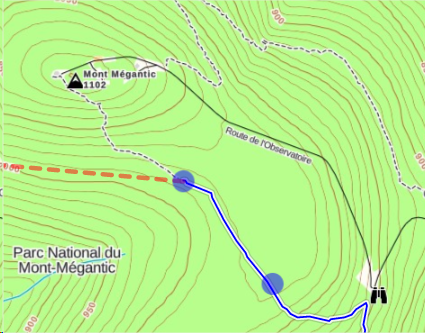
AFTER: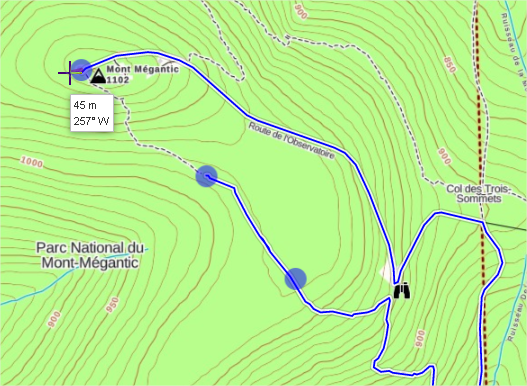
Any ideas ????????????????????????????????????
-

Hi there,
I'm sorry you are having trouble creating a route - it looks like there is a gap in the trail the route maker is routing your around:
The map has been updated to fix this gap but it will take a few weeks for the update to be live. In the meantime, you can bridge the gap by placing a route point just to the side of the trail after the gap:
Then you can continue to create a route and it will snap to the trail.
If you have any trouble, send a note to support@gaiagps.com - we are happy to help.0
Post is closed for comments.
Comments
1 comment