
gaiagps.com overlays not loading

My selected map ovelays (Public, Private, Arkansas WMA) show on my iPhone, but not the website. Just started a couple of days ago.
-

You can layer up to 5 map sources on gaiagps.com by clicking the “+” icon next to each map source to add them to the Visible section of the Layers menu.
0 -
I have them added already. The Public Land, Private Land and Ark WMA are visible when both the Satellite with labels or USGS Topo visibility slider bar is all the way to the left. If I slide to the right, it effectively “covers up” all of the three mentioned above. Wish I could post pics to show you.
0 -
Works fine on my phone, not my laptop
0 -
Note slider bar positions on these photos:
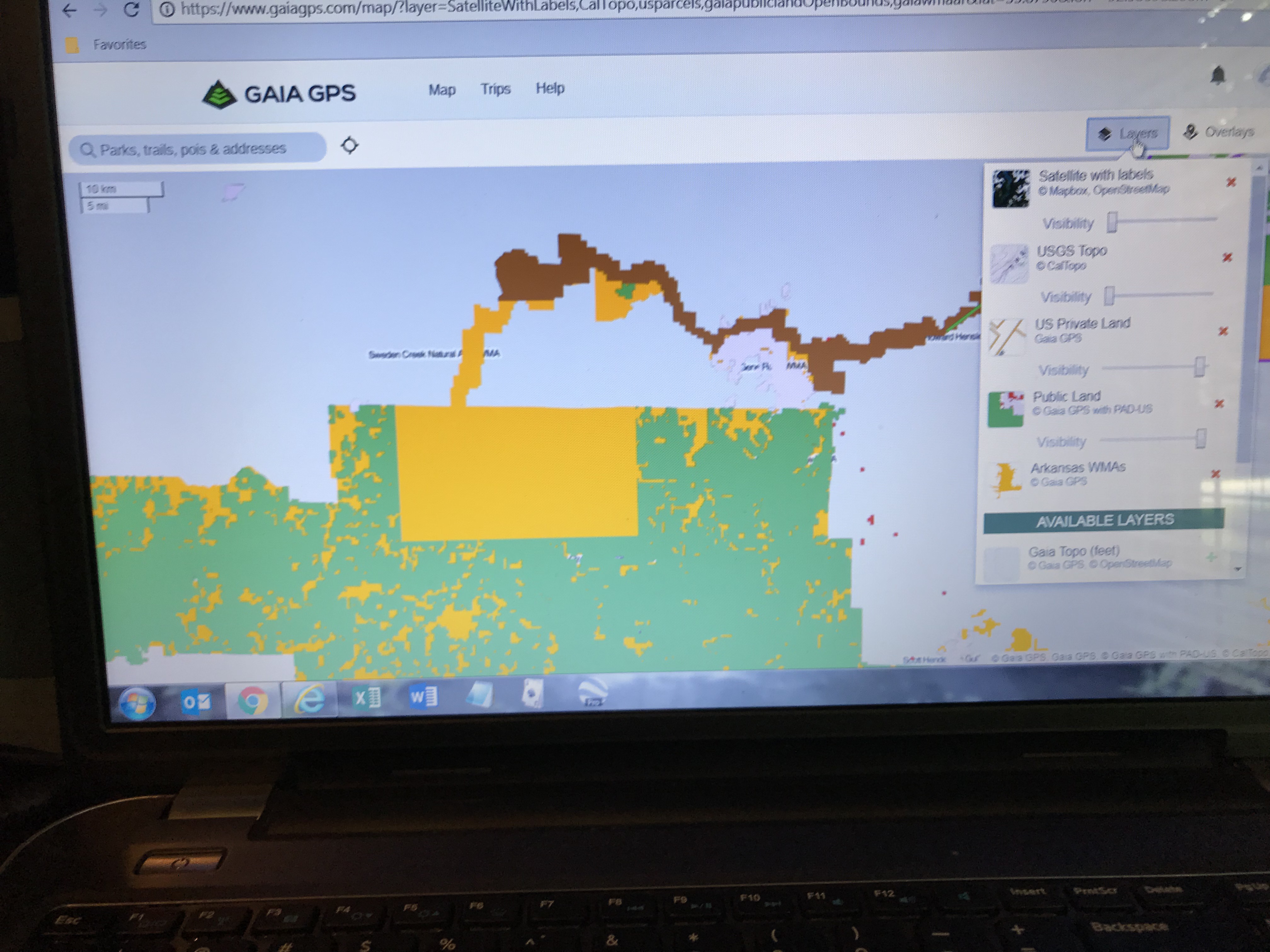 0
0 -
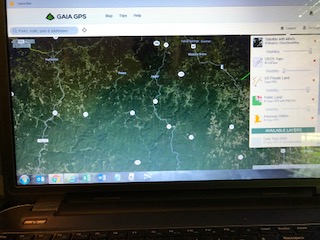 0
0 -
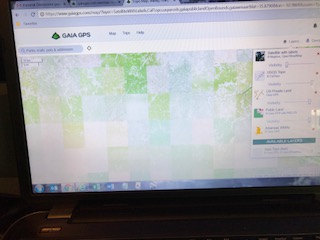 0
0 -
Thanks for the screenshots.
I recommend reversing the order of your map sources (as shown below). The map source that is at the bottom of the Visible section in the Layers menu is treated as the base map.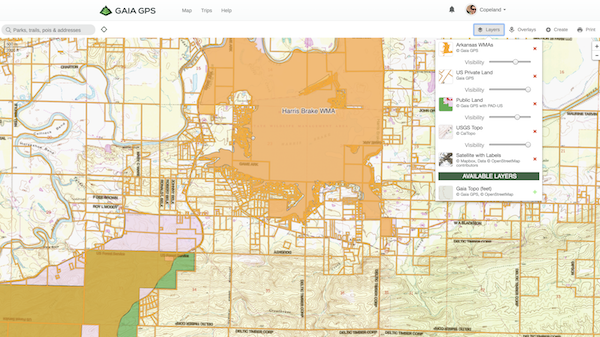
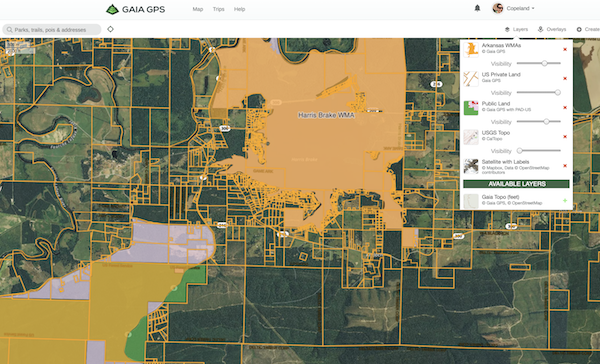 0
0 -
That fixed that! Thank you very much, I learnt something today.
0
Please sign in to leave a comment.
Comments
8 comments