
Can you add these "points" in to a route?

Hi, In GAIA if I see a item like this I can click on it and a short length/piece of it shows up.
(see the attachment below)
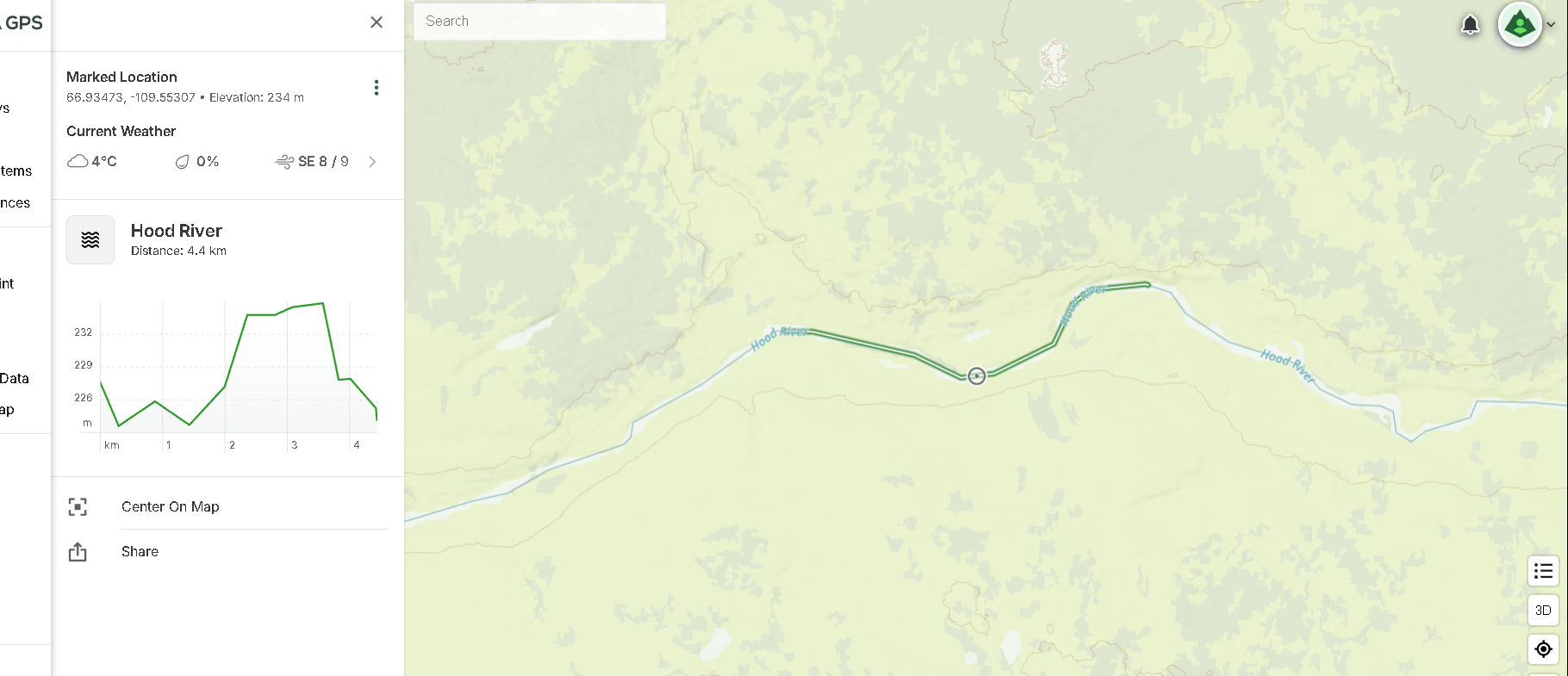
So yea Its a piece of river, and when you click on it this exampole above just shows up.
Now, can I just somehow go down something like that and stitch all these little segments that pop up in to a route somehow?
It seems way faster than clicking one waypoint at a time when you normally build a route.
Just wondering .......
Cheers'
Dave
-

How did you get that to pop up? I tried the gps coordinates but that gets the point and not the line. Searching the river didn’t get me near you. Also, is this only web or also on a mobile app? And if mobile app, iOS or android?
0 -
Dunno, I just looked up something and in this case I picked the hood river and the centre line was there.
Here is another example - the red deer river and there's the line. I have Gaia Topo in meters on full view and Sat Topo selected as well with set to about 40%........
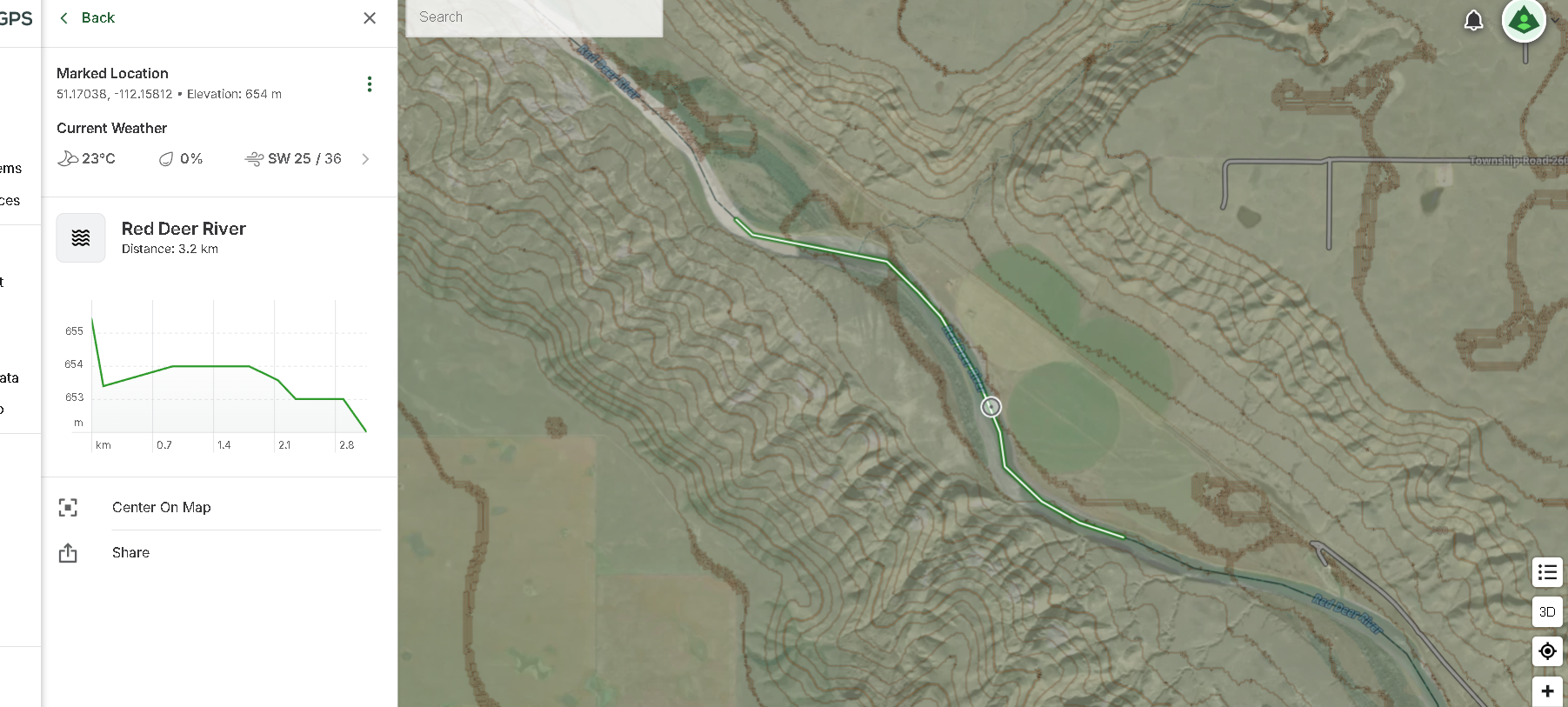
There's the line, what I wanna know is - can you stitch them together to form a route or do you just have to click every single little waypoint alone the way to build a route?
Cheers'
Dave0 -
Ok, I was able to reproduce this. In iOS, there is a button that says “save offline” that will save the whole line for you. Ok the web version, there is a button called “save hike” (I’m sure if it’s not a hike it says something else). In your screenshot, I don’t see that and it could be resolution. Did you click the three stacked dots next to the coordinates to see if a save option is there?
0 -

@TakeNoSpace mp3
It sounds like you’re on the right track. On iOS, the "save offline" button does save the entire line, and on the web version, the "save hike" button should appear (or a similar option if it’s not a hike). If you don’t see it in your screenshot, it could indeed be due to resolution. Try clicking the three stacked dots next to the coordinates to check if a save option is available there.
0
Please sign in to leave a comment.
Comments
4 comments