
Can't get route to snap when editing a route
Answered
I am trying to edit a previous made route and now it won't snap to the route ?
Also, is the only way to post here is by clicking "new feature" ?
Thanks
Jeff
-

Hi Jeff,
Sorry you are having trouble snapping your route to a road or trail.
1. Snapping uses roads and trails displayed on the Gaia Topo map source. Please double-check that a road or trail is marked on the map for snapping.
2. The snap-to-trail feature requires an internet connection.
3. When editing your route, make sure you select Hiking, Cycling, or Driving from the Mode options.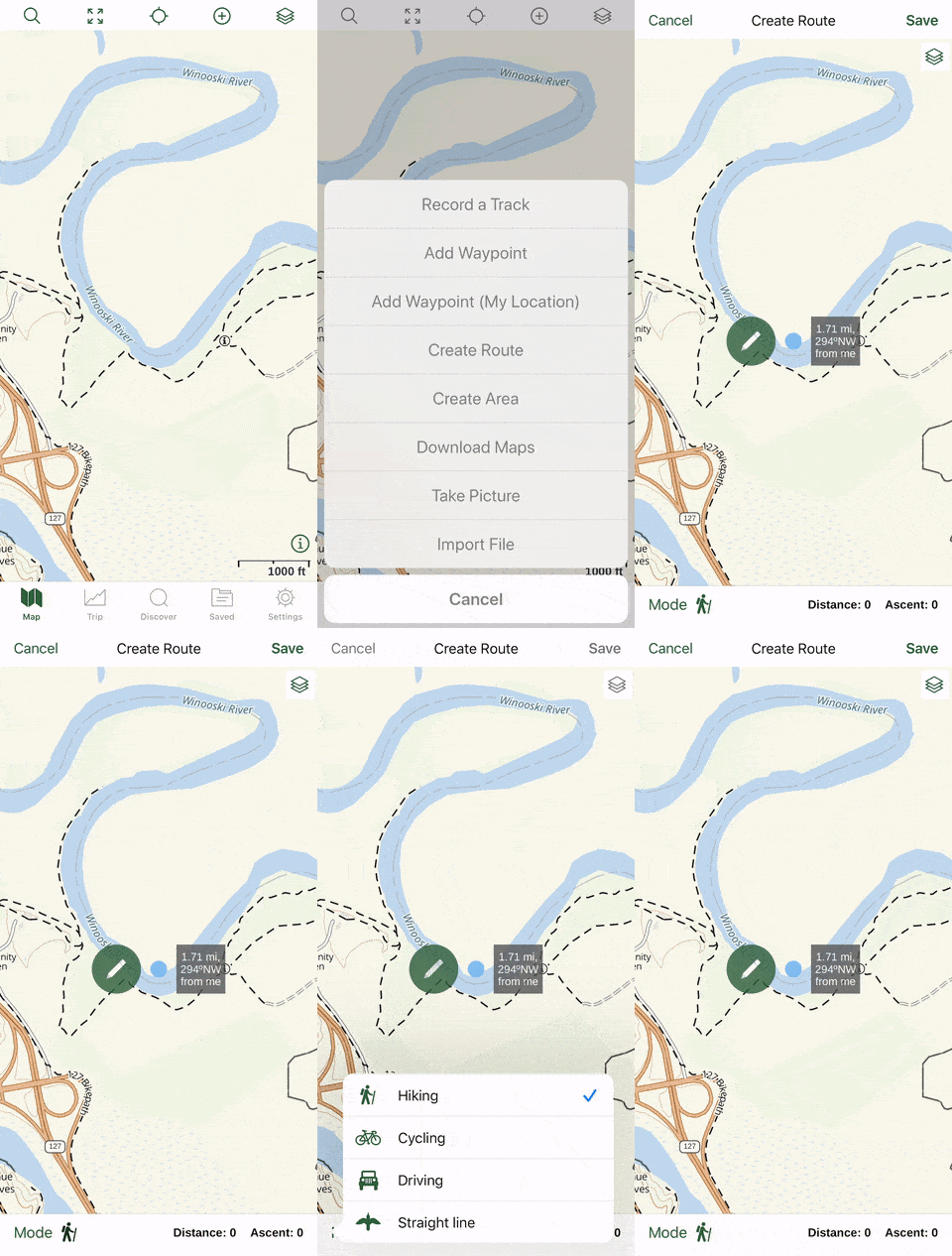
4. When editing a route, you might need to drag a blue dot nearer to the existing trail to "snap" it into place.
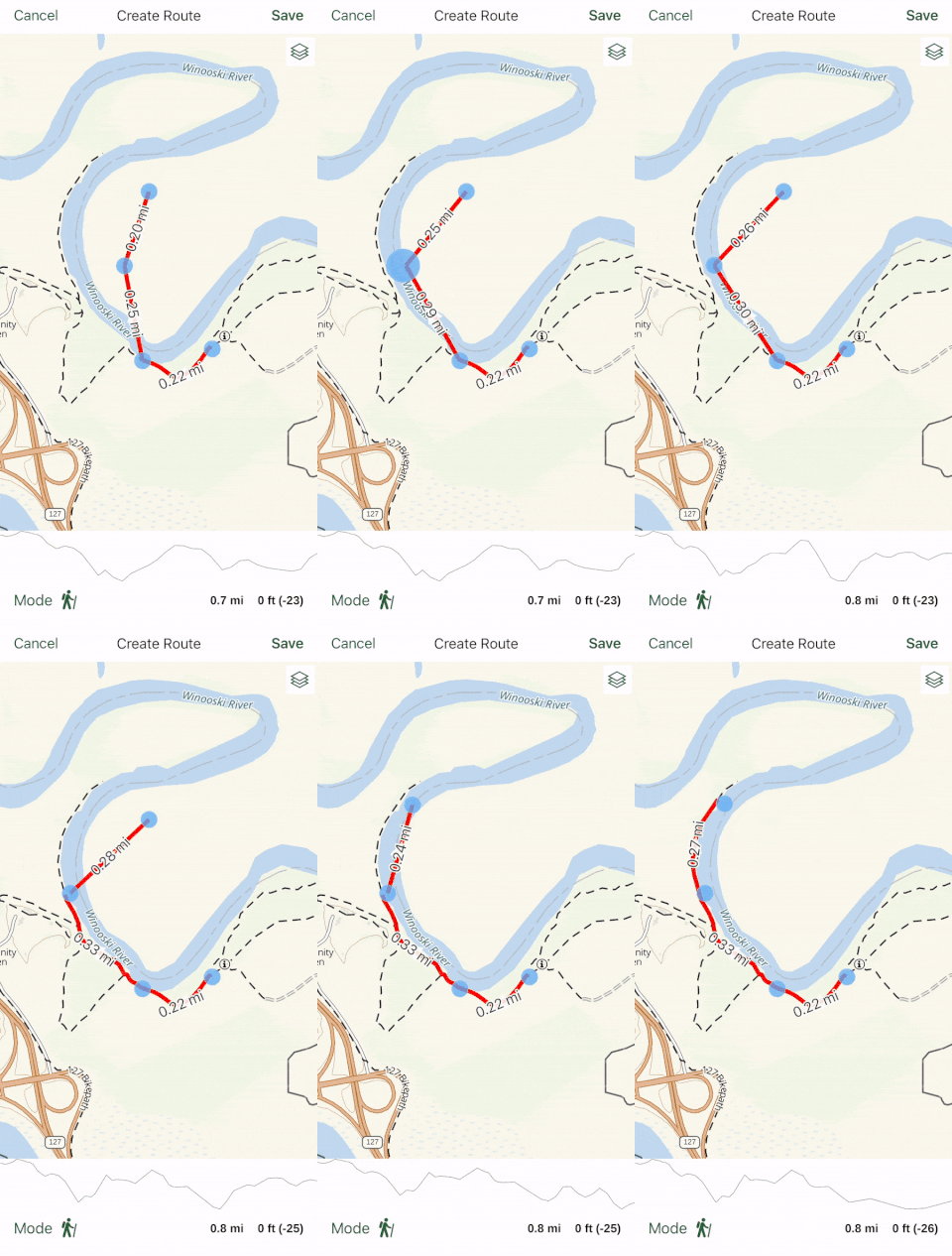
Learn more here:
If you need further assistance, please email support@gaiagps.com, and I'll be happy to help.1
Post is closed for comments.
Comments
1 comment