
Filtering routes/tracks or folders to show only choosen in full screen mode on Gaia.com

Here I've learned to make folders from my routes to tracks. I do like this and what's possible going the way! What I do/don't see is two part.
First is: When I open the folder I get just those tracks/routes, but none of my waypoints..
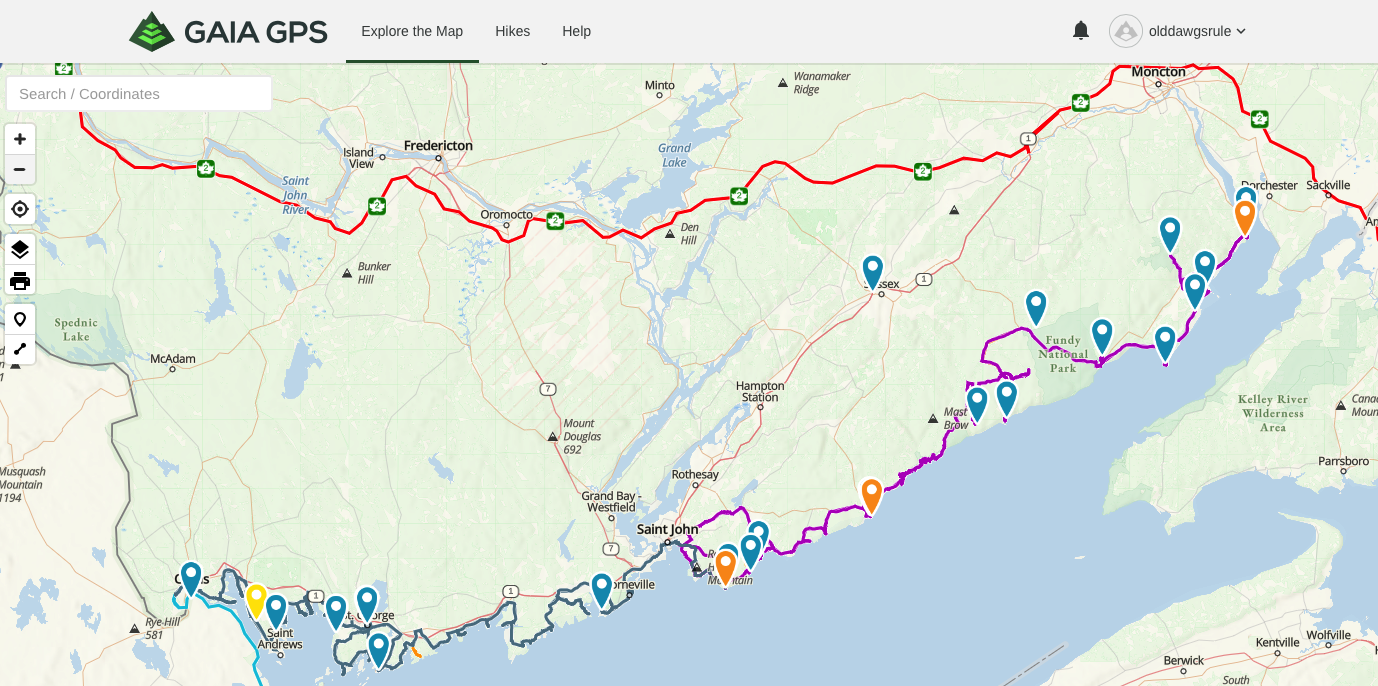
Second is: When I click for full screen I get my waypoints, but I get all my waypoints and routes/tracks..
There's probably a tutorial on it out there somewhere.. Can you hook a brother up to it?
Lower coastal is the run I'm working with. Upper red is another's route I'm reviewing and not in the folder.. rather it wasn't showing.
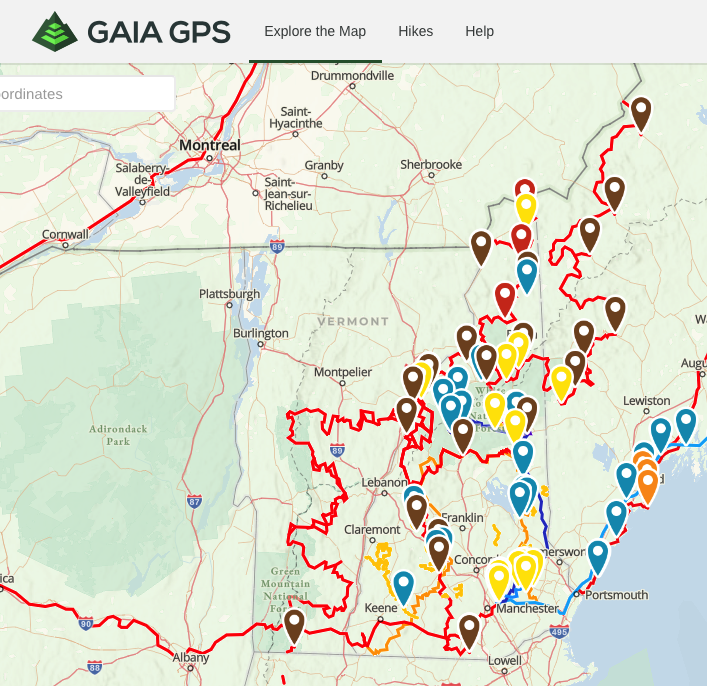
This is how crazy my NH map now looks in full screen.. Has to be a way to hide routes/tracks.
0
-

Thank you for sharing this, I wanted to create a trail like this and upload it to the best vehicle tracking device for our next training routine
0
Please sign in to leave a comment.
Comments
1 comment